Games You Can Play Without Downloading
Updated · 3 min read
Short answer
Browser games are built with web technologies, so they run inside the page you open and need no installer, plug-in or account. You need a modern browser, an internet connection and a game page to start.
What is an HTML5 browser game?
An HTML5 game is a program written with the same technologies as a web page: HTML, JavaScript and browser graphics features such as canvas and WebGL. When you open a game page, your browser loads the game's files as part of the page and runs them, the way it runs any other page. Nothing is installed on your computer, and the old browser plug-ins that games once needed are not involved.
Gametroz embeds each game from its provider in a sandboxed frame. The sandbox limits what the game page can do to the rest of the site, which is one reason playing here does not involve installing anything.
What you need
- A current browser such as Chrome, Edge, Firefox or Safari.
- An internet connection, because the game loads when you open the page.
- A keyboard and mouse, or a touchscreen. Each game page lists its controls.
- No account: Gametroz does not require one to play.
How to start a game
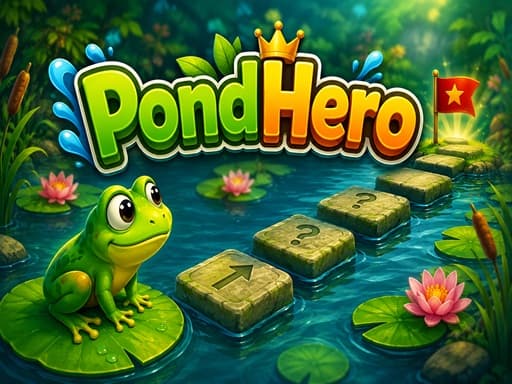
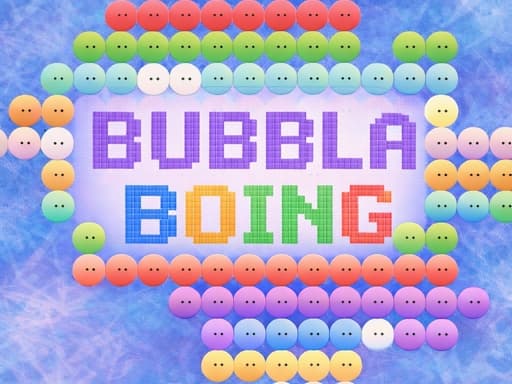
- Open a game page, for example PondHero or Bubbla Boing, or browse a category such as racing or puzzle.
- Wait for the game to load inside the player.
- Click the game once so it receives your keyboard and mouse input, then press its play button.
- Read the controls on the game page. If you want a bigger view, use the Fullscreen button under the player.
Staying safe while you play
- A real browser game never needs an installer or a browser extension. If a page says you must download something to play, close it.
- Many free games show ads. If one opens a new tab, close that tab instead of downloading anything from it.
- Do not type passwords, payment details or personal information into a game.
- Keep your browser up to date, because updates include security fixes.
- Some action games include combat or scary themes. Read the description first if younger players will use the game.
No download is not the same as no data
The browser still receives the game's files each time, and may keep some of them temporarily so the game loads faster next time. That is normal web behavior and does not install a program.
Browser games compared with installed games
| Topic | Browser game | Installed game |
|---|---|---|
| Getting started | Open the page and press play | Download, install, then launch |
| Updates | The page loads the current version each visit | Usually updated through the game's launcher or store |
| Saved progress | Depends on the game; some keep it in the browser, so clearing site data can erase it | Usually kept in a save file or an account |
| Demands on your computer | Often lighter, though 3D games can still be demanding | Can use far more of the computer |
A few games to try
| Game | Category | How you play | Screen |
|---|---|---|---|
| PondHero | Puzzle | Remember a path and click it | Landscape |
| Bubbla Boing | Casual | Arrow keys move the paddle, Space shoots the ball | Landscape |
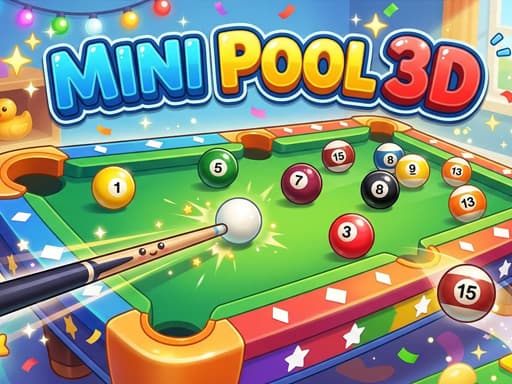
| Mini Pool 3D | Sports | Mouse click or tap | Landscape |
| Drift Car Driving | Racing | W A S D or arrow keys | Landscape |
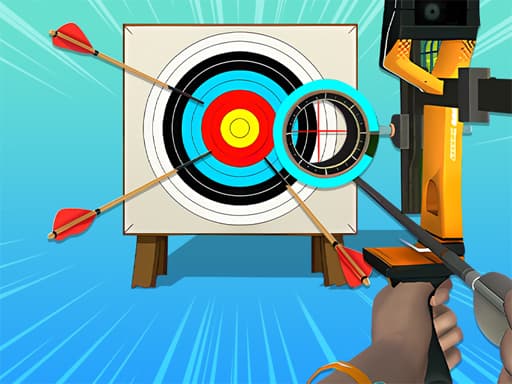
| World Archery League | Casual | Mouse click or tap | Landscape |
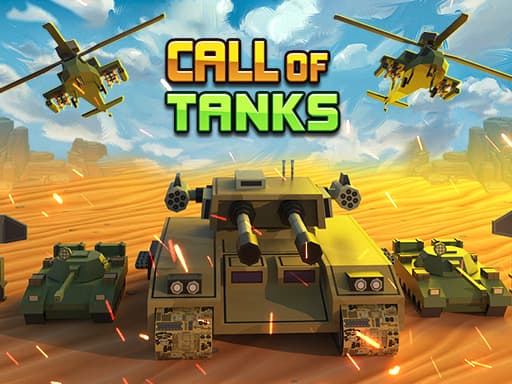
| Call of Tanks | Action | Click or tap cards to deploy tanks | Landscape |
Games in this guide

Where to go next
The best free browser games picks across seven categories. If your computer is older, read browser games for low-end PCs, and how to play games in fullscreen explains the Fullscreen button.