Browser Games for Low-End PCs and Chromebooks
Updated · 3 min read
Short answer
Lighter 2D games tend to run better than 3D games on older PCs and Chromebooks, so start with titles such as Bubbla Boing or Mini Switcher. Closing other tabs and turning on graphics acceleration can help further.
Why 2D games often run lighter
A 3D browser game has to build a scene from models, lighting and textures many times per second, and most 3D games lean on the graphics chip through a browser technology called WebGL. A 2D game mostly draws flat images and shapes, which usually asks less of the processor and the graphics hardware.
That is a tendency, not a guarantee. A carefully built 3D game can run well on modest hardware and a busy 2D game can still struggle. Gametroz does not measure the performance of individual games, so treat the list below as a sensible place to start rather than a promise.
How these games were picked
Every game below carries the 2D tag in the Gametroz catalog. They come from the top of that group according to the popularity rankings that the game provider's feeds supply, with a mix of genres and without games built around third-party brands. The tag and the descriptions are the only evidence used: no benchmarks are involved.
Twelve 2D games to try
| Game | Category | Controls | Screen |
|---|---|---|---|
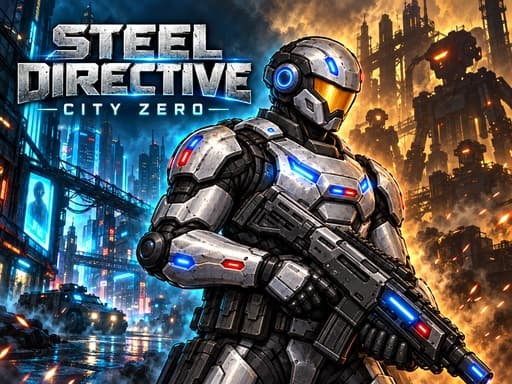
| Steel Directive: City Zero | Action | A and D move, Space jump, mouse click or J shoot | Landscape |
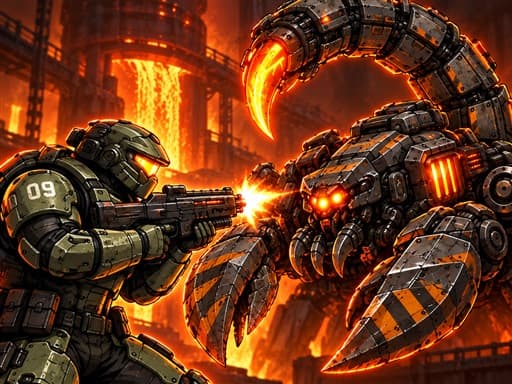
| Hellforge: Demon Protocol | Action | A and D move, Space jump, mouse aim and fire | Landscape |
| Space Shooter Boss | Action | Move the mouse to steer, hold the left button to shoot | Landscape |
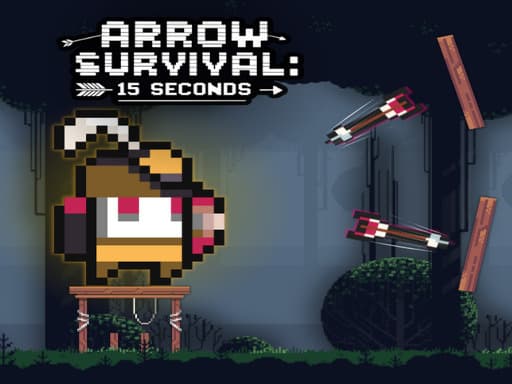
| Arrow Survival: 15 Seconds | Action | A and D move, W or Space jump, J or X shoot | Landscape |
| Repeat Pixel Arts | Puzzle | Pick a color, click pixels | Landscape |
| SLPOING PATH | Puzzle | Draw lines with the mouse or touch | Landscape |
| StickBoys Hook | Arcade | Click or tap to rope | Landscape |
| Neon Velocity | Arcade | A/D or arrow keys to move, W or Up to jump | Landscape |
| Mini Switcher | Arcade | X, Space or left click switches gravity | Landscape |
| 12 MiniBattles | Arcade | Two players, one button each: A and L | Landscape |
| Bubbla Boing | Casual | Arrow keys move the paddle, Space shoots the ball | Landscape |
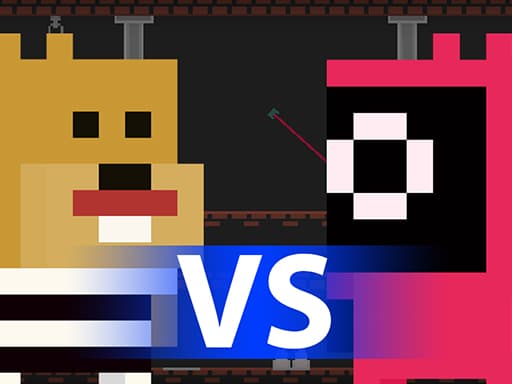
| Hamster Escape: Prison | Adventure | Solve puzzles and reaction tests; includes a tutorial | Landscape |
A closer look
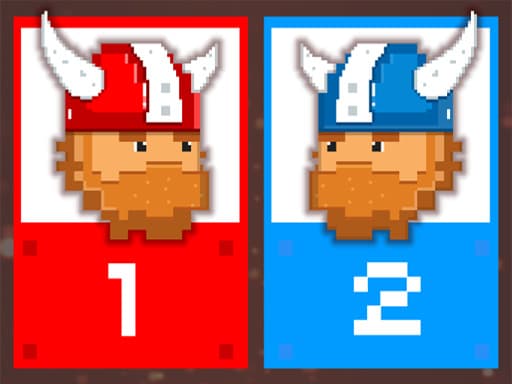
Bubbla Boing is classic breakout play with multiple levels, power-ups and a paddle, and Mini Switcher has you flip gravity to reach the goal across 30 levels, in a retro style meant to be a short, relaxing experience. 12 MiniBattles fits two players on one keyboard with one-button games, including a soccer match and sniper warfare.
Steel Directive: City Zero and Hellforge: Demon Protocol are 2D shooters with 20 missions each. Space Shooter Boss sends a spaceship through enemy waves and meteor showers toward a final boss. Arrow Survival: 15 Seconds is a pixel-art platformer in which you survive 15 seconds per level across 40 levels.
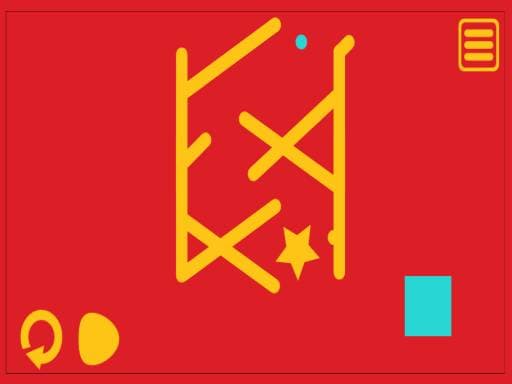
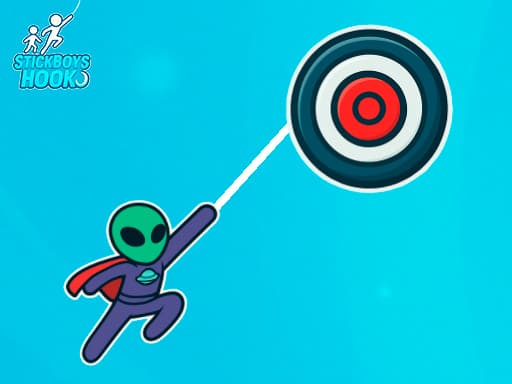
For something quieter, Repeat Pixel Arts asks you to copy a pixel pattern and SLPOING PATH has you draw lines so a ball can roll to a target. Hamster Escape: Prison mixes puzzles and reaction tests, and StickBoys Hook and Neon Velocity cover swinging and precision platforming.
2D games in this guide



Settings that can help
- Close other tabs and programs. Every open tab uses memory and some processing time, and games compete with them.
- Check graphics acceleration. In Chrome and Edge, open Settings, then System, and make sure the option to use graphics or hardware acceleration when available is on. In Firefox, open Settings, then General, then Performance.
- Update your browser. Newer versions include performance and security fixes.
- Turn off battery or energy saver mode while you play, because it can slow the processor on purpose.
- Use fullscreen, or a smaller window if the game still stutters. Fewer pixels to draw can ease the load. The Fullscreen button under the player enlarges the game only.
- Try a private or incognito window. Extensions are usually switched off there, which shows whether one of them is slowing the page.
Still slow?
Chrome and Edge have a built-in task manager (Shift+Esc on Windows) that shows which tab uses the most memory and processor time. If the game tab is the heavy one, try a different game from the table above.
Related guides
How to play games in fullscreen covers the Fullscreen button and browser shortcuts. For more picks across genres, see the best free browser games and the best arcade games.